×
![Modal Image]()

Spatial Shopping exposed a harder problem once users began moving through the environment. Interactions that behaved correctly from one position could feel confusing from another perspective.
The core issue was perspective. Users naturally think relative to themselves, while spatial systems operate relative to the world around them.
Part 1 told the product story of Art Universe: the decision to build a spatial experience rather than a gallery, and what first-time users taught us. This part is about the engineering that had to hold that up. At Amplified we think of engineering on a spatial product as part of the experience rather than the implementation of it, because how natural and how invisible the technology feels is decided in the code.
The most consequential technical decision came before most of the features existed. When Apple introduced Vision Pro, Unity was widely expected to be 1 of the main routes to immersive apps, and like a lot of teams with Unity experience, we assumed we’d take it.
As development sped up, access to those workflows stayed limited and the practical questions stayed open. Waiting for the tooling to mature would have slowed us at exactly the point where speed and experiment mattered most. So we committed to Apple’s native stack, and that choice shaped everything about how Art Universe is built.
The native stack, and what each layer carried
That meant Swift, SwiftUI, RealityKit, Reality Composer Pro, ARKit, Metal, and the wider visionOS toolset from day 1. It wasn’t the easy path. The team was learning new frameworks, adapting to a new platform, and building a production app at the same time.
It was the right path, because working natively let us understand Vision Pro on its own terms. SwiftUI carried the app flow. RealityKit powered the spatial layer. ARKit gave us world understanding, hand tracking, wall detection, and device positioning. Metal and Compositor Services gave us control where RealityKit’s defaults weren’t enough. And we had that control while the platform’s conventions were still being written, which mattered more than we knew at the time.
Spatial Shopping is the feature from the opening, and 1 of the most used things in the app. The pitch fits in a sentence: pick a work, hang it on your own wall at true scale, and see how it looks before you buy.
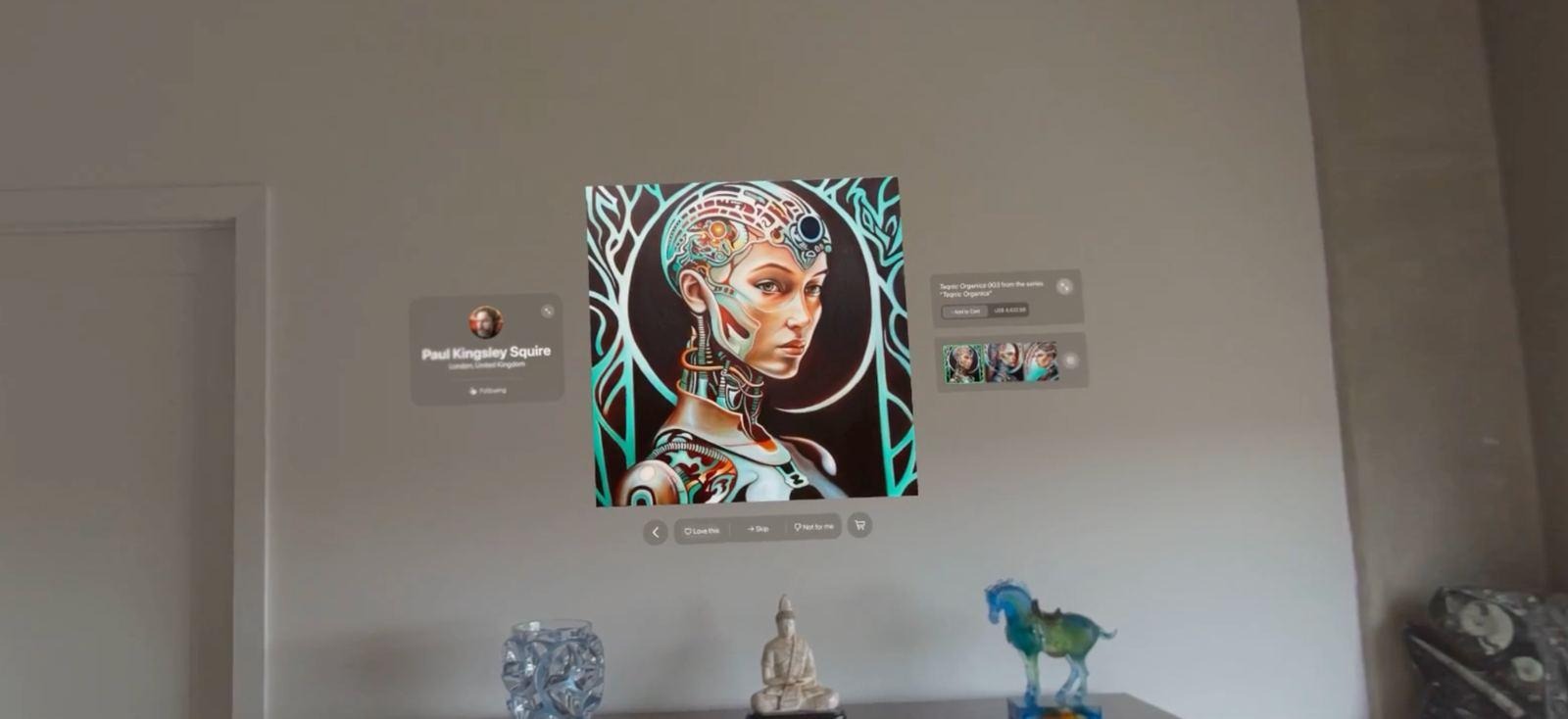
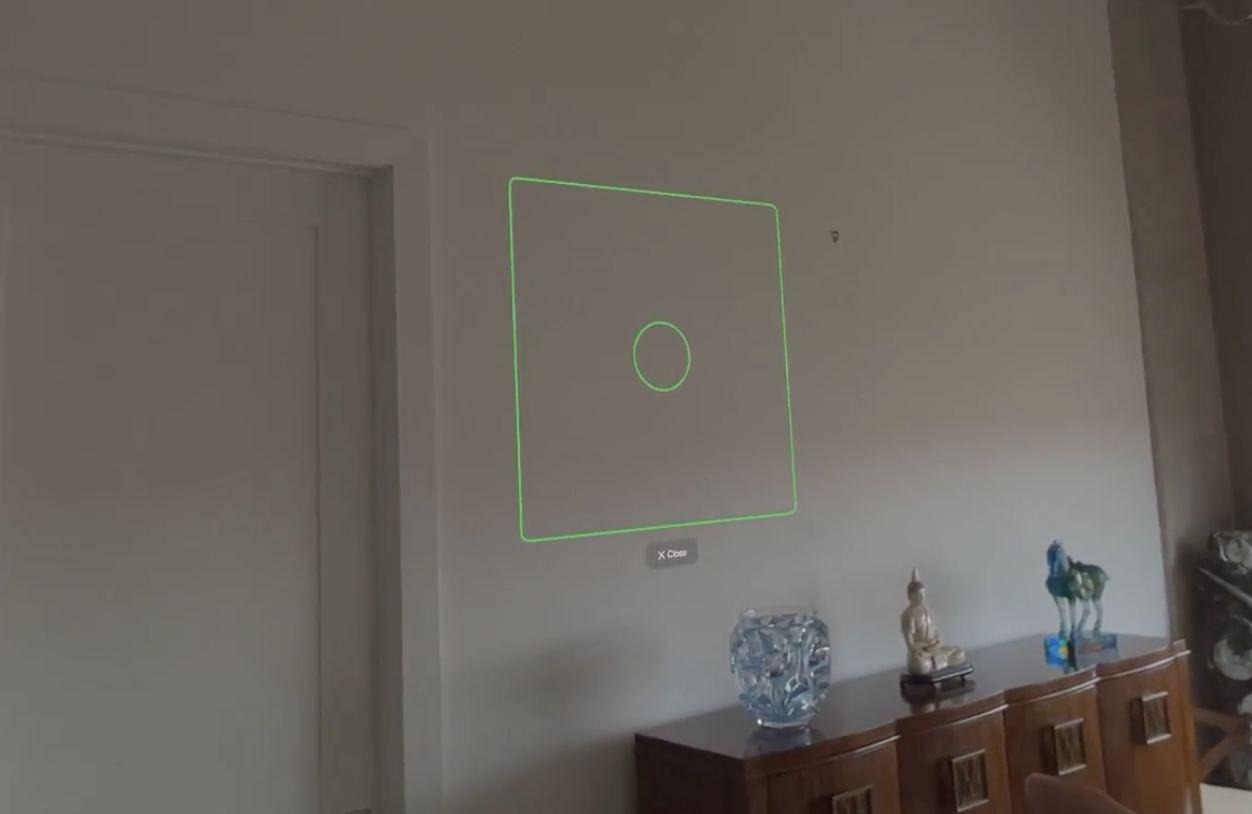
Wall detection was the easy half. ARKit finds vertical surfaces reliably. The hard half started when people moved. A traditional interface stays where you left it. A spatial one has to stay anchored in the world while the person changes position and orientation around it, and an interaction that felt right from 1 spot felt confusing from another.
The fix was a lot of unglamorous work: coordinate transformations, vector math, world tracking, and interaction logic that translated between the person’s frame and the world’s frame so that every drag felt obvious from wherever they stood. When it finally worked, users stopped noticing it, which is the highest compliment a piece of spatial code can get. They moved paintings around their rooms, and that was that.
Art Universe was always going to be visually ambitious. High-resolution artwork, immersive environments, generated 3D content, spatial video, artist experiences, and photorealistic scene reconstruction all live in the same app. Together they add depth. They also add constraints on loading, rendering, memory, comfort, and responsiveness, and managing those became 1 of the most demanding parts of the project.
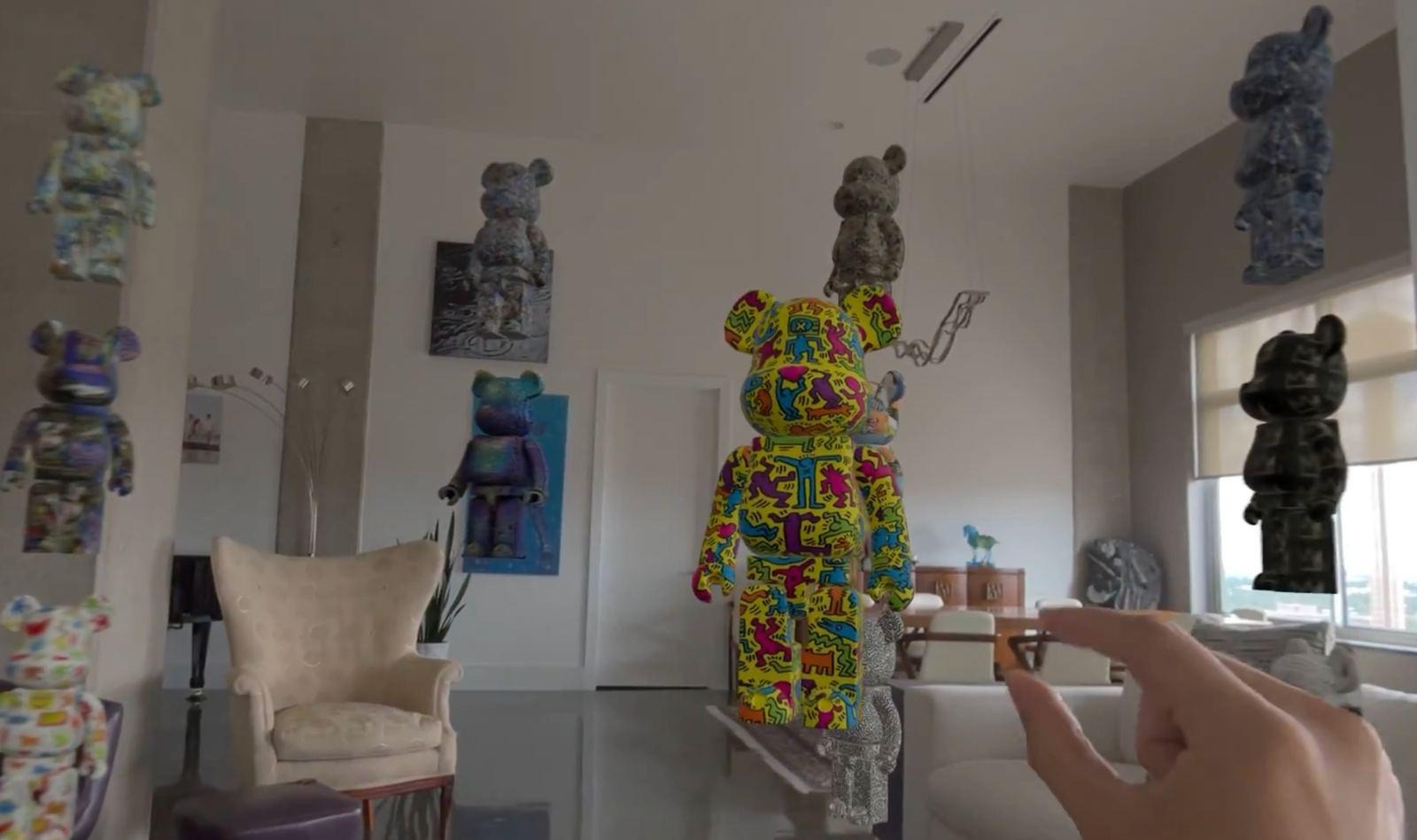
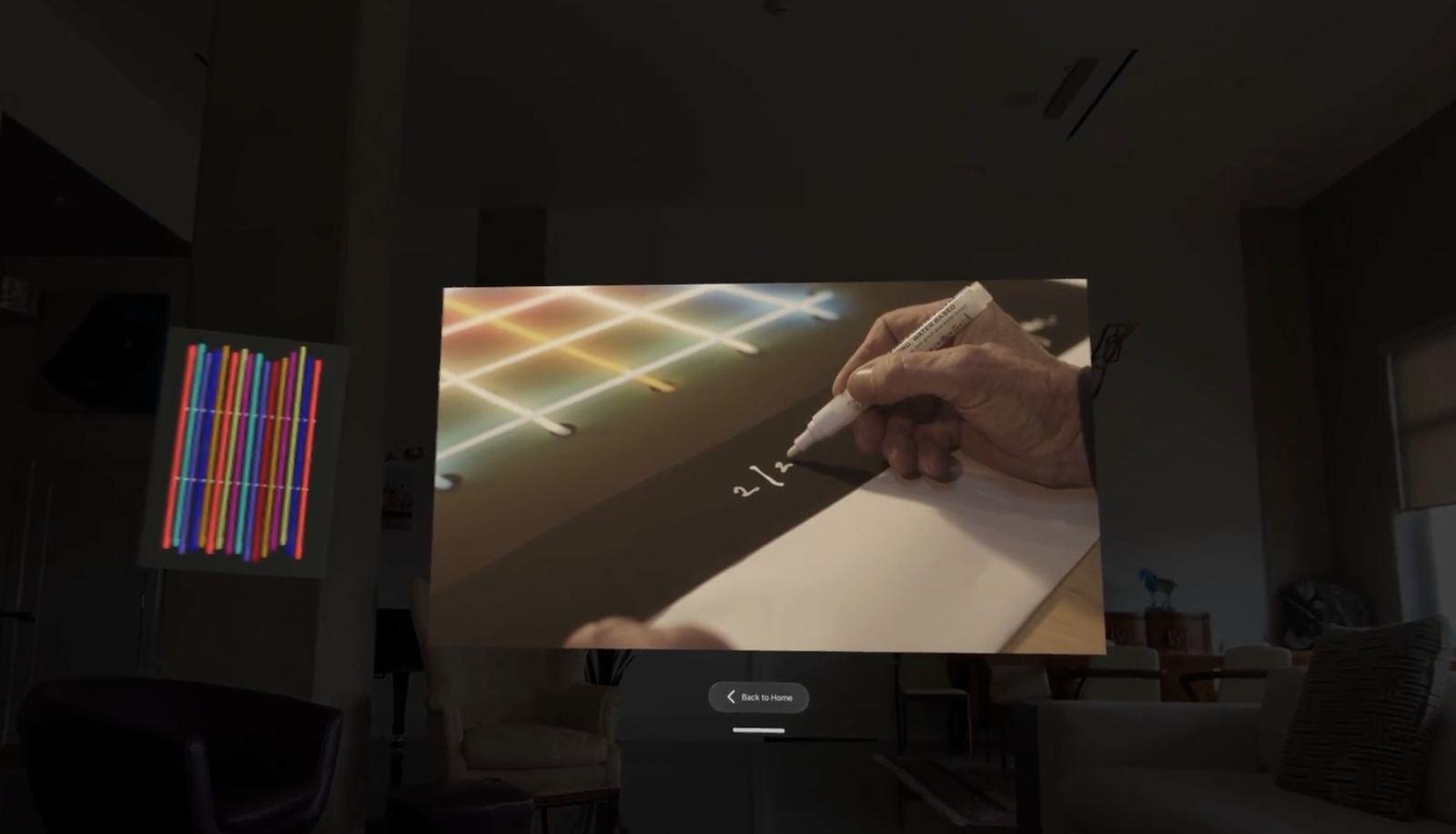
Gaussian Splats are the clearest example. For immersive environments and reconstructed scenes they gave us a realism that geometry-based approaches struggled to reach, and the point was never realism for its own sake. It was presence: spaces that felt tangible enough to stand in.
The engineering bill was large. Before a person can enter a splat environment, a large dataset has to be downloaded, decompressed, parsed, prepared, held in memory, and rendered. Our early versions demonstrated the potential of the technology, but loading times quickly became a concern. The project reinforced a simple lesson: users rarely judge a technology by how advanced it is; they judge it by how it feels.
What happens before a splat environment opens
Solving it meant careful work on asset preparation, compression, caching, and lifecycle management. Getting big datasets to render was half the goal. The other half was making the wait disappear from the person’s point of view. We kept coming back to the same principle: the best engineering on this app is the engineering nobody notices.
We built much of Art Universe before we had regular access to hardware, so the simulator was where most of the iteration happened. It was fast, it was always available, and it couldn’t answer the questions that mattered most.
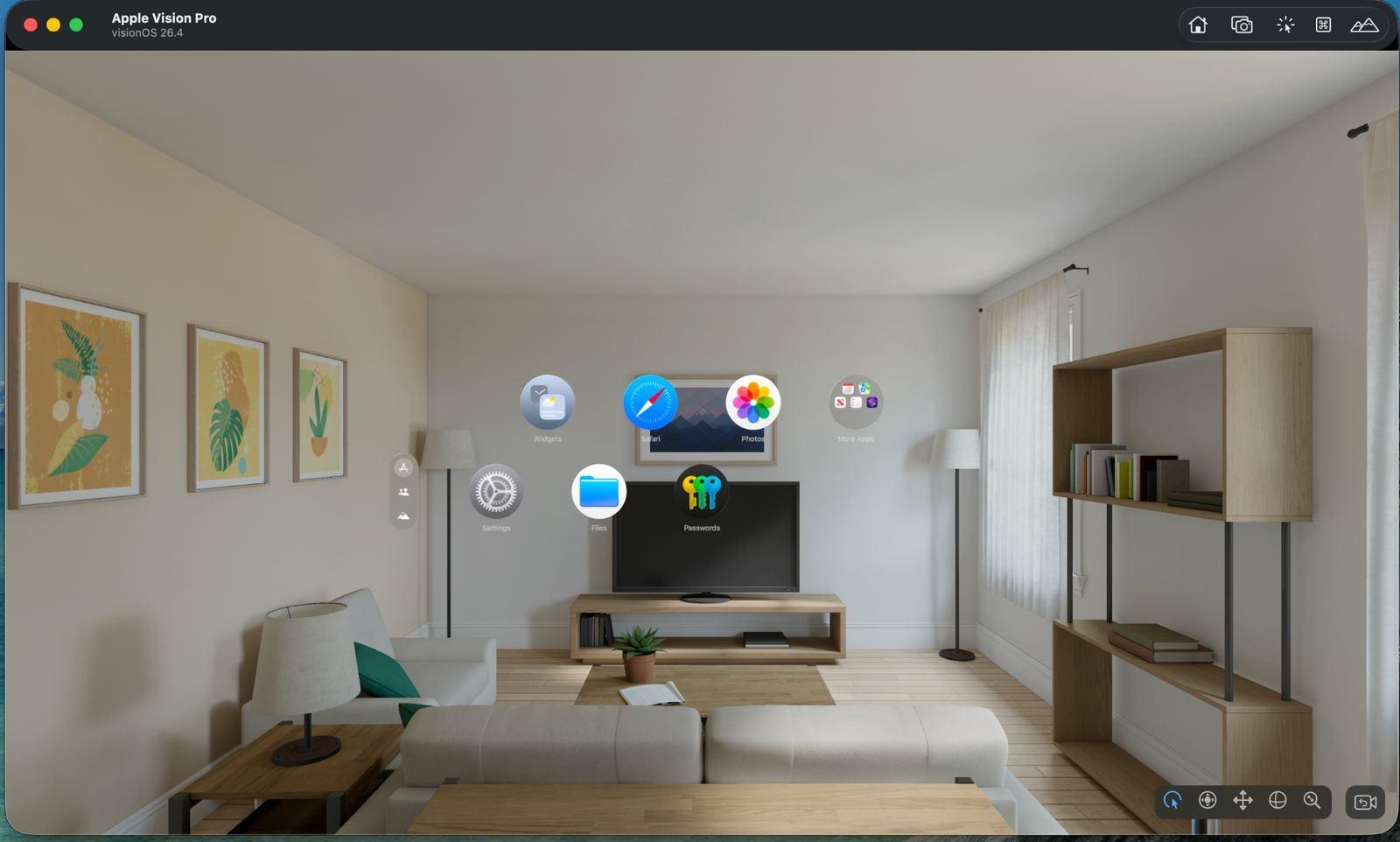
Figure 5. The simulator made iteration fast. It couldn’t tell us how anything felt.
Alt text: The visionOS simulator showing the Vision Pro home view of app icons floating in a bright living room with shelves and a sofa.
Scale, distance, gesture clarity, visual density, and the emotional weight of an immersive scene only exist inside the headset. So the team went to Apple Developer Labs in Singapore, Munich, London, and Cupertino to test on real devices and work directly with Apple’s engineers and platform specialists. Each session found the same gap. Objects that were the right size on screen were too big in the headset. Distances needed adjusting. Gestures needed tuning. Features that seemed finished changed once we stood inside them.
Real-world testing kept overturning assumptions that had looked reasonable on a monitor. It also changed how we thought about the relationship between interface, environment, performance, and attention. Every spatial team learns this eventually, and we’d rather you learn it from us than the hard way: an immersive product can’t be evaluated from a flat screen. It has to be experienced in space.
What changes when the interface leaves the screen
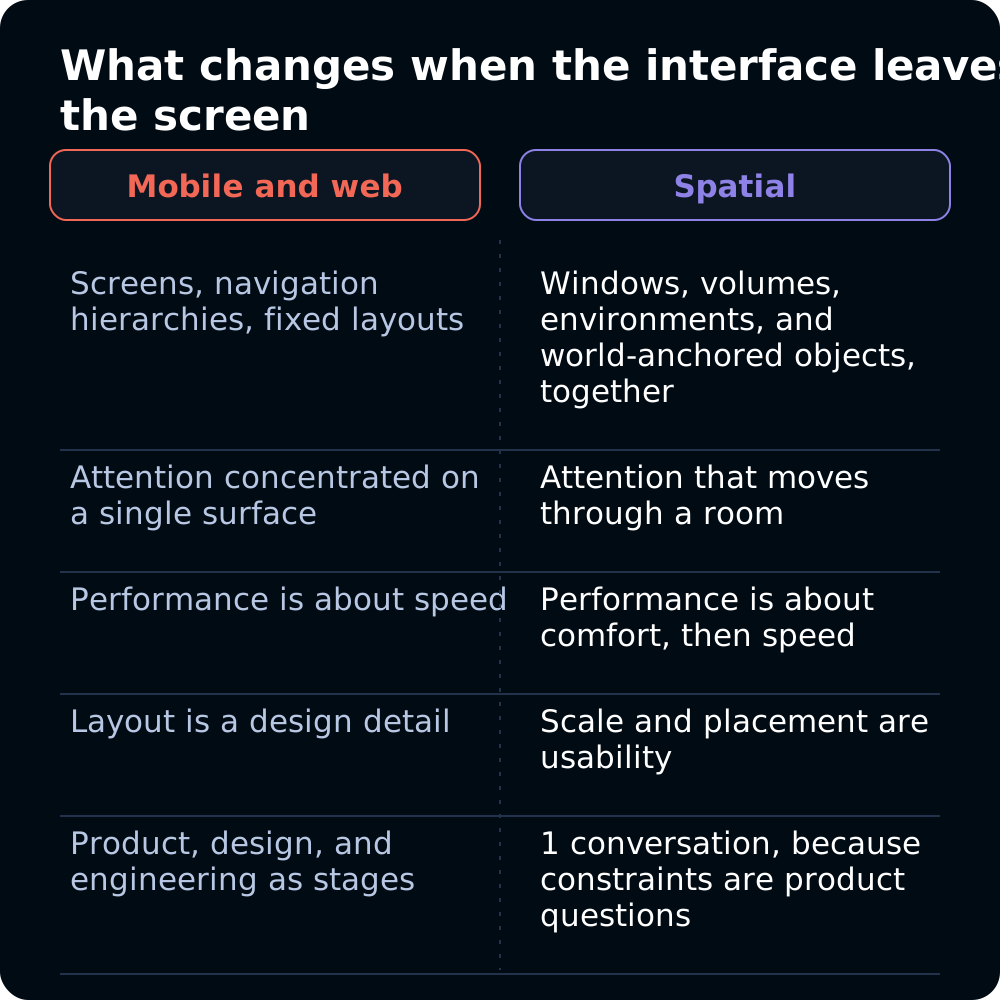
We kept catching ourselves carrying assumptions over from mobile and web. A traditional app is organized around screens, navigation hierarchies, and fixed layouts. A spatial app mixes windows, volumes, immersive environments, room-aware content, and world-anchored objects, and the person’s attention moves through space instead of resting on 1 surface.
That changes the engineering as much as the product. Performance problems get noticed sooner because they affect comfort as well as responsiveness. Scale becomes a usability question. Where you put an object changes whether someone understands it. And a small interaction decision can mean substantial work across tracking, rendering, animation, interaction, and state.
The line between product, design, and engineering nearly disappeared. Technical constraints kept turning into product questions, and product decisions kept requiring deep engineering. Building for Vision Pro taught us that spatial computing is a different way of thinking about software, and not only a new class of device.
The lessons that stuck have little to do with a specific API. Emerging platforms reward discipline as much as invention. Test early and often on real hardware. Performance is inseparable from comfort. Visual ambition has to be balanced against responsiveness, and the most memorable experiences are rarely the most technically complex ones. They’re the ones where the technology goes quiet.
At Amplified that’s still the belief that guides the spatial work: an immersive app succeeds when the technology serves the experience. We never set out to use every capability visionOS offered. We set out to find the places where space made the product better, and then to do enough engineering that those places felt effortless.
If you’re working on a spatial product and want to compare notes on any of this, we’d be glad to. Let's build together.